
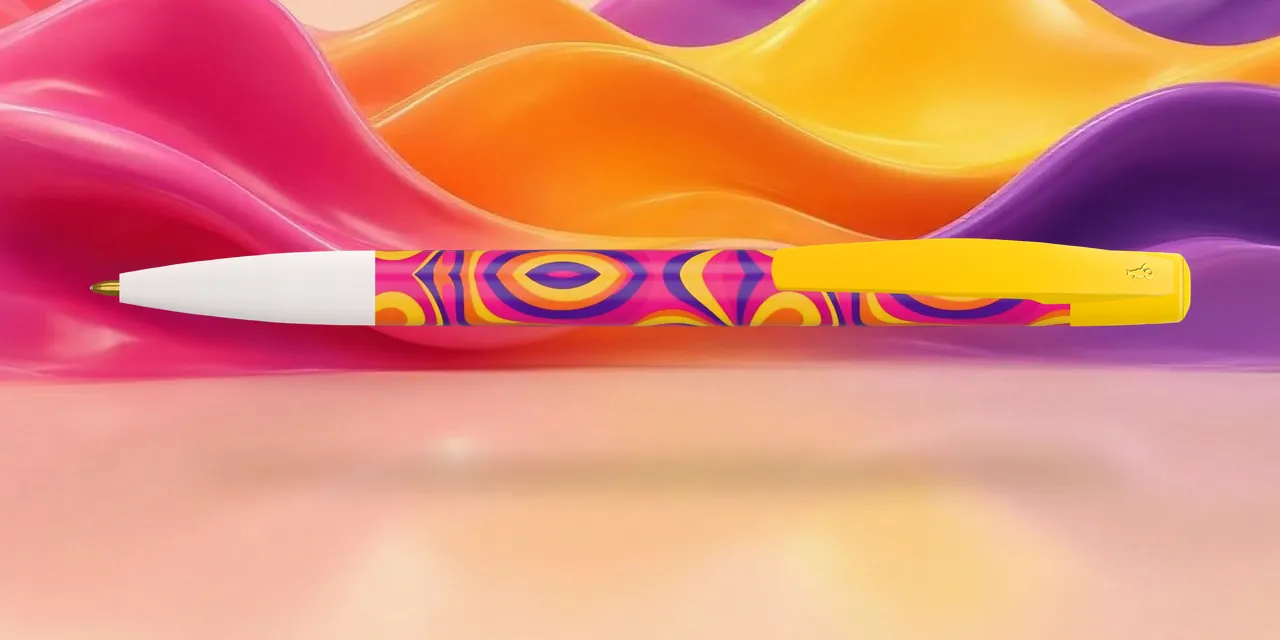
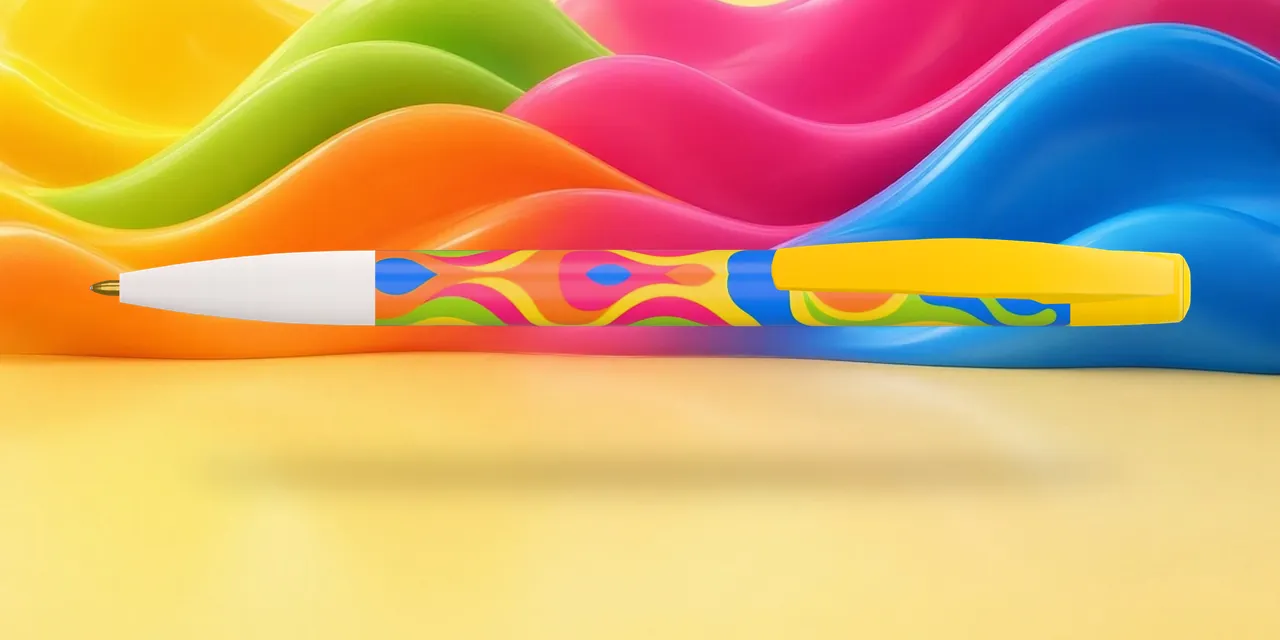
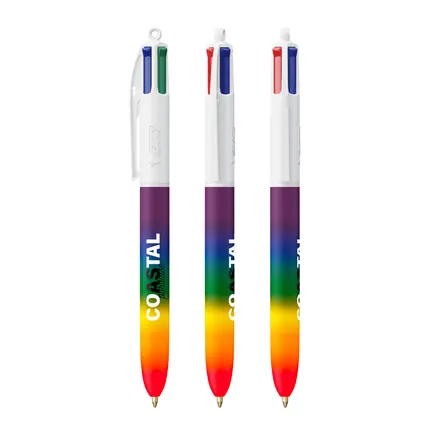
Screen printing applies a logo in one or two colours. Digital printing, on the other hand, covers the entire body of the pen: a photograph, a gradient or a pattern that wraps completely around, in unlimited colours.
How it works
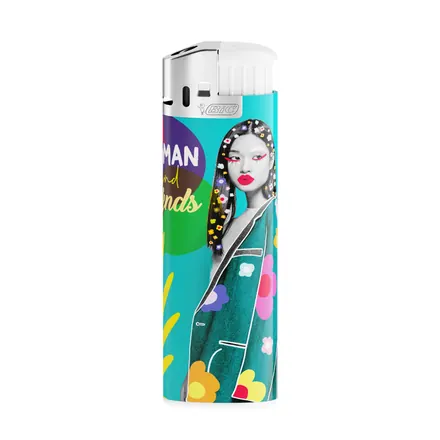
The body is printed in four-colour printing, 360°, in high definition and along its entire length. Colours blend as in a photograph: unlimited colour range, seamless gradients. BIC® launched digital printing in 2005, with lighters printed all around, then extended it to its pens.
BIC® printing techniques
- Screen printing : precise colours for a solid-colour logo.
- Digital four-colour printing : photo quality, durable branding.
- Printing with texture effect : colour and a relief you can feel to the touch.
- Printing on coloured barrel : the digital image on a coloured pen.
- Laser engraving : elegant and durable branding.
Lighter finishes
BIC® lighters can be finished with additional effects: embossing, glitter embossing, gloss or matt, metallic, holographic (gold or silver) and UV varnish.
Prepare your artwork
- A high-resolution image (300 dpi at actual size) or a vector file.
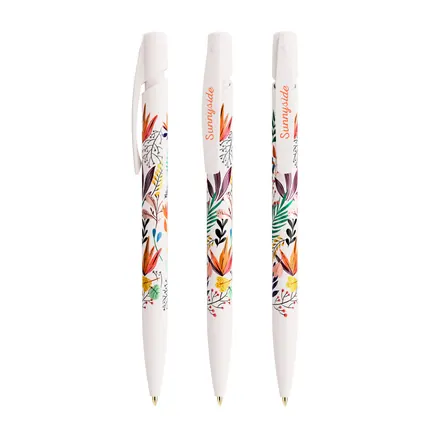
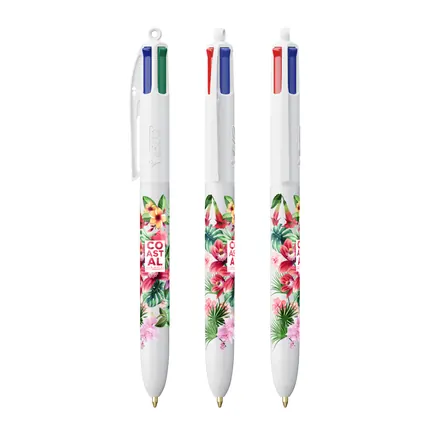
- A visual that connects: its left edge meets its right edge when the pen rotates.
- Important texts away from the clip and edges.
The 3D configurator shows you the Media Clic from all angles: rotate it to see the seam. The inks are tested against five criteria and every printed order goes through four checks; a proof is sent to you before production.
Screen printing or all-around printing?
For a simple logo in one or two colours, screen printing remains the most cost-effective solution (see the price of a BIC® pen). For a photo, a mood or a pattern, all-round printing turns the pen into a real communication medium.
Frequently asked questions
01Can you print a photo on a BIC® pen?
Yes: four-colour digital printing reproduces a photo or gradient all around the body in unlimited colours.
02What file should I provide for all-over printing?
A high-resolution image (300 dpi at actual size) or a vector file, whose left edge connects to the right edge.
Sources (accessed on 13/11/2026): BIC, printing techniques · BIC, our history (promotional products) · BIC, lighters: techniques and safety · product sheets and brand certificates.